




Attlock on the web
Open the client portal in your browser with your existing provider-linked account. The same site and sharing boundaries apply.
Open client webFollow shared site activity, read reviewed reports, and keep service requests connected to your provider—from the Attlock Client app.
Available on iOS and Android. Your security provider connects the sites and records you can access.
Explore the client portal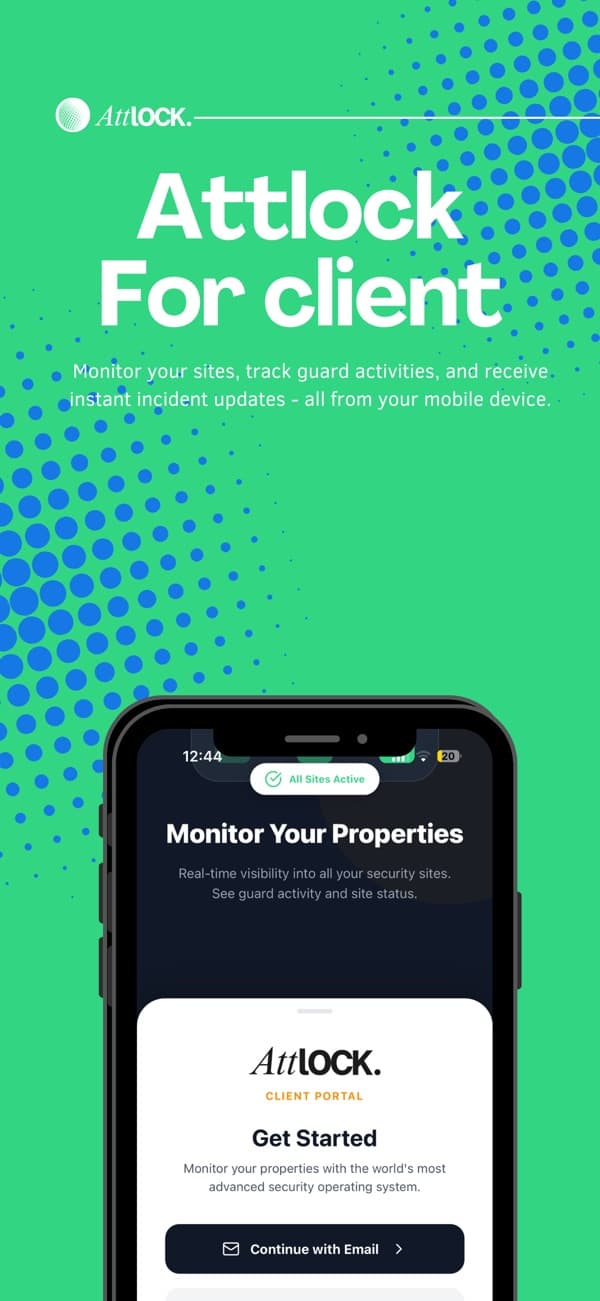
Scroll between two authored site examples, or select one directly. Filter their shared report history and inspect the reviewed record. Provider-controlled access and sharing remain explicit.
Jordan Lee · Assigned evening shift
South gate checkpoint recorded · 18:42
A newer incident is still with the provider for review. Its details are not shared in this example.
Harbour Centre · REP-1042
19 Oct · 18:42
The evening patrol recorded the south gate checkpoint. The provider reviewed this patrol record for sharing.
Approved for client sharing
Site selection and filters change these authored examples only. Your provider controls real account access and report sharing. No report or evidence file is downloaded from this preview.
Use the provider-linked client portal for extra cover, a site requirement, or follow-up. Your provider reviews availability and confirms the arrangement; submitting is not a guaranteed booking.
Use your existing client account.
For immediate danger, contact local emergency services. A portal message is not an emergency-dispatch channel.
Harbour Centre · Example site
Request → provider review → confirmation. This preview sends no request.
Use the official App Store or Google Play links. The Guard/Supervisor app is a separate field-work app.
Use the account your security provider invites and connects to your properties.
Open your site activity and reviewed reports. Contact your provider if a site or expected report is missing.
Live activity depends on connected field devices. A service request is subject to provider confirmation; it is not emergency dispatch or a guaranteed booking.
Open the client portal in your browser with your existing provider-linked account. The same site and sharing boundaries apply.
Open client webFind Attlock guides and product help when you need a walkthrough. Contact your security provider for account invitations, site access, or questions about the service at your property.
Visit the Help CenterWhat to know about getting started, supporting your team, and running your sites.
Talk to our teamYour security provider invites you and connects the sites your account can access. Installing the app does not grant access to other clients' sites. Contact your provider about a missing site or invitation.
Schedule shifts, track patrols, and share reports.