

Your sites. A clearer view.

Understand the coverage, read the reviewed reports, and keep requests connected to the people looking after your properties.

Join through your security provider. Your account shows the sites and records they make available to you.

Attlock Client portalIllustrative sites

Harbour Centre

Assigned team · Jordan Lee

Scheduled shift
16:00–00:00
Client report
Waiting for review

South gate checkpoint recorded · 18:42

Not shared yet

A report is with the operations team for review.

Your provider decides which sites and records your account can see.

From the site to the next step. The context stays together.

Check the site. Understand the activity.

Open the site your security provider has connected to your account. Review shared coverage and checkpoint activity in context. Live visibility depends on the field devices being connected and your provider's settings.

Harbour CentrePatrol route
  1. Reception · 18:05
  2. North wing · 18:16
  3. Loading bay · 18:28
  4. South gate · 18:42

Read the report. See the follow-up.

Read the incident, evidence, follow-up, and supervisor review in one record. A newly submitted guard report stays with the operations team until it is approved for your view.

Attlock ReportsIllustrative approved record

Westgate Plaza · REP-1043

North service door secured

The guard recorded an unsecured service door at 17:35, secured the entrance, and completed a follow-up check at 17:46.

Evidence attached · 1 photo

westgate-service-door.jpg

Follow-up
Entrance secured · 17:46
Supervisor review
Casey Morgan · 18:05
Approved for client sharing

Request a change. Follow the next step.

Ask your provider about additional cover or a site requirement. Keep the location, requested time, notes, and status together. Your provider confirms the service; sending a request does not book it automatically.

Attlock RequestsIllustrative request

Extra loading-bay cover

Westgate Plaza · Friday evening

  1. Request submitted · 10:15

    Site, requested time, and notes recorded

  2. 2

    Operations review

    Your provider checks the requirement and available coverage

  3. 3

    Confirmation pending

    The request is not a confirmed booking yet

Use service requests for planned follow-up, not urgent emergency assistance.

Visibility with the right boundaries. Know what the record means.

Reviewed before sharing.

Internal notes and pending incidents are not automatically client records. Your provider reviews information before it is made available to your account.

Live depends on connected devices.

Check recorded times and follow up with your provider when you need context. Offline field activity may arrive after a device reconnects; the portal does not guarantee uninterrupted live coverage.

Less digging. Clearer updates, with Attlock AI.

Coming soon

Planned summaries would help you understand reviewed reports and site activity. They would remain subject to your provider's review and sharing workflow—not replace it.

Explore Attlock AI

The client portal. With you, wherever you work.

Use Attlock for Client on iOS and Android to follow your sites, read shared records, and keep service requests close at hand. Your provider connects the right account and properties.

  • Assigned sites and team visibility
  • Reviewed reports and follow-up
  • Service requests and site updates
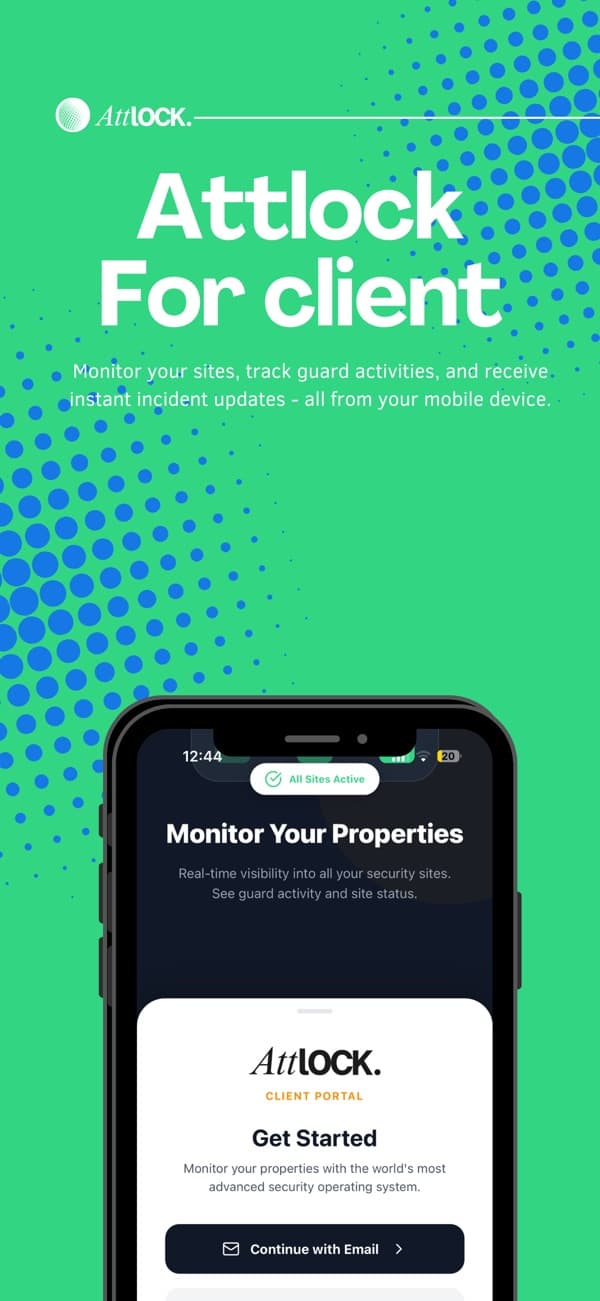
Attlock for Client promotional artwork from its App Store listing

Open the portal. Find the help you need.

Client access on the web

Sign in with the account connected by your security provider. Ask your provider about missing site access, invitations, or a report that has not been shared.

Open client web

Attlock Help Center

Find Attlock guides and product help when you need a walkthrough. Contact your security provider for account invitations, site access, or questions about the service at your property.

Visit the Help Center

Questions about your client portal.

What to know about getting started, supporting your team, and running your sites.

Talk to our team

Your security provider invites you to its client portal and connects the sites you can access. Use the account linked to that invitation. Contact your provider if a site or report you need is missing.

Run your security team in one place.

Schedule shifts, track patrols, and share reports.