




Attlock on the web
Use Attlock on the web when a larger screen suits the work. Your company account and assigned access still apply.
Open guard webKnow where to go, follow the site instructions, and keep patrols and reports connected. Attlock for Guards & Supervisors brings the shift to your phone.
Available on iOS and Android. Join through your security company's invitation.
Explore the guard workflow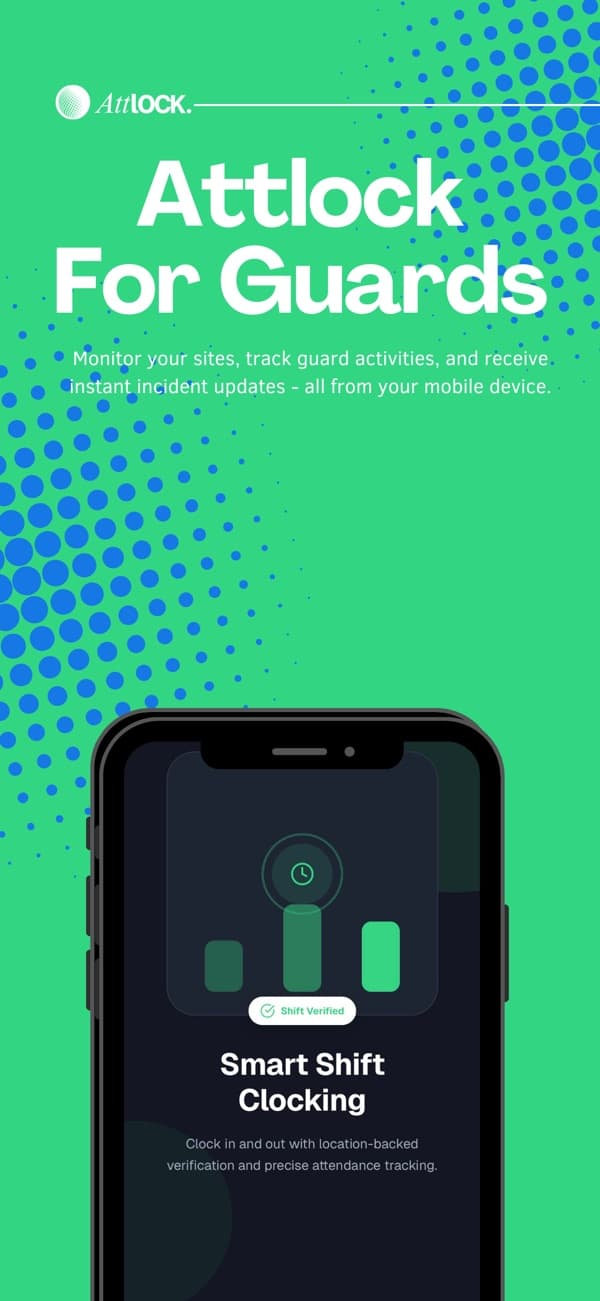
Scroll through one illustrative shift from the first site instructions to the final pass-down, or choose a step. See what gets recorded and who takes the next action.
Explore each part of an authored shift. This is a workflow example, not a current native-app screenshot or a live shift.
Open the assigned shift before you travel. Check the site, hours, post orders, and instructions your company has made available.
Ask your supervisor about missing assignments or unclear instructions before starting work.
Illustrative shift · Before arrival
Shift context
Check the app's requested location permission and your company's policy before using location-based clock-in or patrol records.
This is guidance, not a device-permission or connectivity test. No browser permissions are requested.
Before you head to site
Review these on your own device.
Assigned clock-in · Patrol checkpoints
Review the location access requested by the app on your device.
One loading-entrance follow-up at Harbour Centre. Explore how the same context helps the guard, supervisor, and next shift.
Record the site, what was observed, what was done, and the follow-up still needed. Confirm the record has synced before assuming it is available to the team.
Pass-down note · Authored example
Follow-up: recheck the loading entrance at the next patrol. Door was secured after the delivery. Supervisor to confirm the next action.
Review and client sharing stay with your provider. This authored example performs no submission, approval, or dispatch.
Install Attlock for Guards & Supervisors from the App Store or Google Play.
Sign in with the account your company invites. Ask your supervisor if the invitation or assigned site is missing.
Read the site instructions and check the permissions needed by the workflow. Review sync status when connectivity returns.
Live updates and alert delivery need a connection. Check sync status, follow your company's procedures, and use local emergency services for immediate danger.
Use Attlock on the web when a larger screen suits the work. Your company account and assigned access still apply.
Open guard webFind guides for getting started and using Attlock. Keep the Help Center nearby when you need a walkthrough, and ask your supervisor about company-specific instructions or account access.
Visit the Help CenterWhat to know about getting started, supporting your team, and running your sites.
Talk to our teamChoose Attlock for Guards & Supervisors using the official App Store or Google Play links on this page. The Client app is for clients receiving a security service; the Admin app is coming soon.
Schedule shifts, track patrols, and share reports.