Scale your security business without scaling the chaos.

Win the next contract, onboard the site, keep every team to the same standard, and see what each one earns.

14 days · No credit card required

Per-site plansGuards, supervisors, and clients on mobileBilling and payroll recordsMigration support available

Bring the whole portfolio. Not just one site at a time.

Moving from legacy security software or spreadsheets? Your admins can bring records into Attlock from a CSV or Excel export, with column presets for several common exports. Map the columns, validate the data, and review before anything is created.

  • Guards
  • Sites
  • Clients
  • Shifts
  • Checkpoints
  • Incidents
  1. Choose where the export came from, or a generic file.
  2. Upload a CSV or Excel file and map its columns.
  3. Fix flagged rows, then review the preflight.
  4. Import. Undo a completed import if it is not right.

Want help moving over? Enterprise and tailored rollouts can include assisted migration, with scope and timing agreed with our team. Your admins can always use the import tool themselves.

Portfolio migrationCSV or Excel

Legacy export

Upload · Map columns · Validate · Preview

Officer emailEmail
LocationSite name
Street addressAddress

Preflight before import

18
Will create
2
Need a fix
1
Skipped as duplicates

Illustrative counts. Rows over your plan's guard limit are flagged, and a completed import can be undone.

From legacy records to a running portfolio.

  1. Map the records

    Export from your current platform, upload the file, and match its columns to Attlock fields. Check the preflight before anything is created.

  2. Prove one site

    Move one site first. Confirm schedules, post orders, and client access match before touching the next.

  3. Roll out the portfolio

    Roll out the remaining sites on an agreed schedule, with the same review step at each one.

Migration scope, phasing, and rollout support are agreed with your team. Discuss your portfolio before scheduling the switch.

From one site to many. The same workspace, managed at scale.

1Add the next site without starting over.

Bring an existing contract into Attlock with the client, site, geofence, and a starting guard team already in place. The next site starts from the same pattern.

Explore company management
New siteParkside Logistics

Bring an existing contract in

Client, site, and starting team from your existing records

  1. Site createdClient, geofence, and contacts set
  2. Team assignedGuards invited from your company roster
  3. Instructions copiedStandard post orders copied from an existing site

Ready to schedule the first shift

2Start every site from the same standard.

Write a post order once, then duplicate it to the next site and adjust the details. Each new version asks the guards at that site to acknowledge it again, so instructions stay current without a round of emails.

Explore post orders
Post orderv3 · Visitor sign-in

One standard, copied to each site

Duplicated per site, then re-acknowledged on each new version

  1. Harbour Centre10 of 10 acknowledged
  2. Westgate Plaza6 of 8 acknowledged
  3. Parkside LogisticsNot yet duplicated

Acknowledgment tracked per guard, per version

3Manage the portfolio, not just the shift.

See coverage, compliance, and performance across your whole portfolio, not one site at a time. Build the report your operations team actually reviews each week.

Explore reports and analytics
Attlock ReportsAll sites · This month

Portfolio view

Coverage, compliance, and margin in one report

Sites reporting
3 of 3
Open shifts
1
Overdue training
2

Illustrative rollup. Build the report your team needs from the metrics and dimensions available in your plan.

One record. Two clear views, on their phones.

What a guard records on site becomes what your team reviews and, once approved, what your client reads. Each person sees what their role needs, and nothing more.

What your guards see.

A guard opens one app for the shift: where to be, what the site expects, and how to record what happens. Supervisors use the same app to review the team.

  • Shifts. Upcoming and active shifts at assigned sites.
  • Post orders. Site instructions, acknowledged on each new version.
  • Patrols. Checkpoint scans and patrol rounds.
  • Reports and tasks. Incident reports, tasks, and shift pass-down.
Explore the guard experience
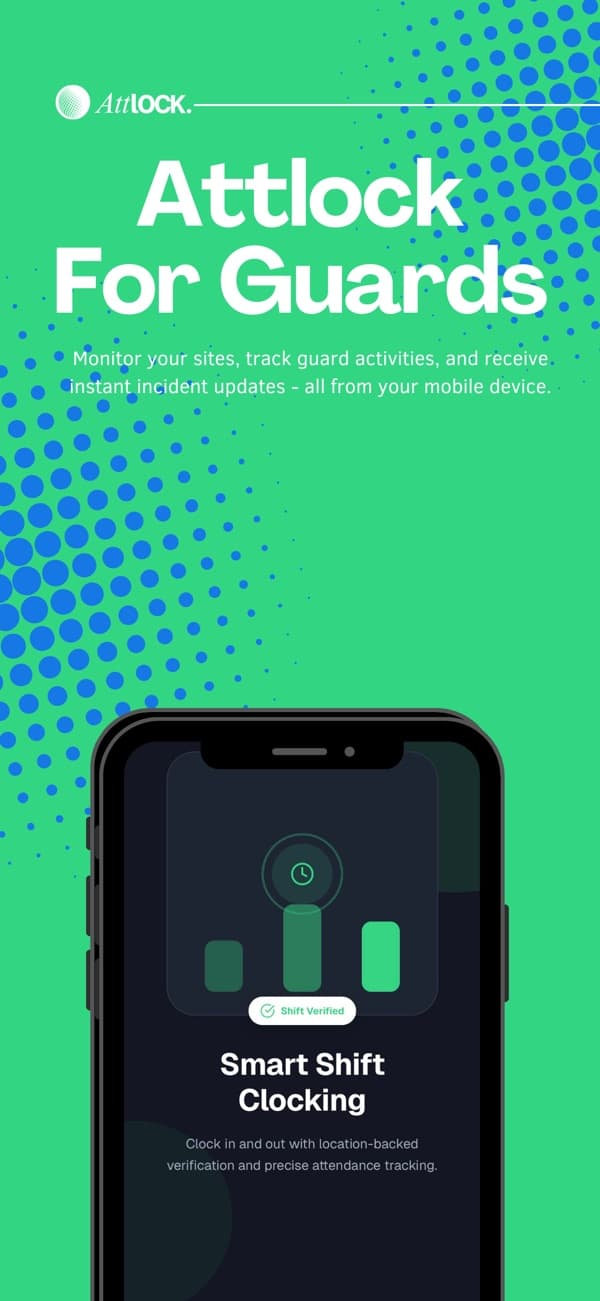
Attlock for Guard/Supervisor promotional artwork from its App Store listing

See the margin. Site by site.

Billing and payroll rates differ by contract. Compare a site against your whole portfolio before deciding where to grow, then review actual hours and billing records in the dashboard.

10 guards · 40h scheduled per guard, per week · $40/h billed

Explore payroll and cost review
Attlock Portfolio marginIllustrative weekly figures · CAD

Harbour Centre

This week · 10 guards

Scheduled client billing10 guards x 40h x $40/h
$16,000
Estimated wages10 guards x 40h x $24/h
$9,600
Weekly contribution40% of scheduled billing
$6,400
Portfolio total this week$12,480 contribution

Illustrative rates. Contribution excludes employer taxes, benefits, equipment, and overhead. Review actual hours and contract terms before payroll or billing.

The tools behind a growing firm. Choose where you want to start.

Explore the dashboard
Attlock Firm tools
Attlock Portfolio3 sites · 2 regions

Your company

Sites, teams, and regions in one workspace

  1. Harbour Centre

    10 guards · Downtown

    Ready
  2. Westgate Plaza

    8 guards · North

    Ready
  3. Parkside Logistics

    5 guards · East

    Onboarding
23 guards across the portfolioAdd the next site anytime

Feature availability follows your plan and enabled modules. Compare plans for the right fit.

Win more contracts. Then grow into the work around them.

Scaling is more than adding sites. Attlock Growth helps you find and prepare the next contract. Attforce is a separate product being built for the hourly teams behind services a security firm may add, such as cleaning and facilities.

Attlock GrowthAuthored example

Multi-site contract opportunity

  1. Company contextDescribe your services, territory, and capacity once.
  2. Evidence-backed researchResearch contract-fit prospects with sources attached.
  3. Draft for human reviewOutreach drafts wait for a person to review them.

Attlock Growth

Contract research workspace

Find the next contract on purpose. Research opportunities with their sources, keep what you learn organised, and prepare outreach for your team to review. Nothing is sent without a person.

Attforce by Attlock
Illustrative
  • SchedulingPlan the shift
  • Clock-ins and tasksRecord the work
  • Reviewed hoursReview the hours

Attforce

Coming soon

A separate product for hourly teams

If you expand into cleaning, facilities, or other hourly work, Attforce is being built to bring scheduling, clock-ins, shift tasks, and reviewed hours together for those teams. It is its own product, separate from your security operation.

Growth and Attforce have their own sign-in and pricing, separate from your Attlock plan. Examples are illustrative and do not promise contracts, leads, or results.

Growth brings more to watch. Attlock AI is planned to help.

Planned coverage insights, incident summaries, and unusual-activity review across your sites, connected to your operational records. More context for your team, with people making the decisions.

Attlock AIPlanned coverage insight

A draft for your operations team.

Parkside Logistics has an open evening shift and two guards with overtime already scheduled this week. Compare coverage options before confirming an assignment.

Human review required

Getting started. Plan the move, and know what leaves.

Migration & Onboarding

Prepare records and plan a first-site rollout

Decide what is moving, map and validate the columns, then invite the team and check one site before the next. Source exports and import support set the final scope, so agree it with us first.

Plan your migration

Integrations & Exports

Available exports and planned connections

Take your records out as files your team and providers can use. Direct payroll provider connections are planned, not available today, so an export is a file handoff, not a sync.

  • Payroll
  • Reports
  • Post-order compliance
  • Compliance
  • Audit log
  • Visitor log
  • Patrol sessions

Formats include CSV, PDF, Excel, depending on the record.

See exports and integrations

Prices are changing soon.

Pricing

Per-site plans for every stage of your security operation.

Billing period

Save 10% with yearly billing

Yearly billing selected. Fixed plan prices updated.

Starter

For small security operations

$36CAD/site/month

14-day free trial. No credit card required.

  • 5 guards per site
  • 2 admin seats
  • 1 client portal
  • All core operations
  • Mobile apps

Professional

Recommended

For 24/7 sites and mobile patrols

$58CAD/site/month

14-day free trial. No credit card required.

  • 10 guards per site
  • 5 admin seats
  • 3 client portals
  • Command Center and Dispatch
  • Fleet and visitor operations
  • Priority email support

Enterprise

For large security companies

Enterprise pricing

Expanded enterprise options with direct sales consultation.

  • Unlimited guards
  • Unlimited client portals
  • API access
  • White-label branding
  • Custom integrations
  • Dedicated account manager
  • 24/7 priority support

Talk to Sales

For tailored multi-site rollouts

Custom

Tailored pricing and rollout terms.

  • Custom limits
  • Volume pricing
  • Data migration
  • Onboarding and training
  • Security review
  • Custom commercial terms

All fixed prices are in CAD. Taxes may apply.

Help for the people using it. From setup to the everyday shift.

Attlock Help Center

Give your team one place to find Attlock guides and product help. Use the Help Center alongside your rollout, then keep it available for everyday questions as people learn the platform.

Visit the Help Center

A few things you might be wondering.

What to know about getting started, supporting your team, and running your sites.

Talk to our team

Clients, sites, guard schedules, attendance, patrol checkpoints, incident reports, client visibility, payroll preparation, and billing records. Your operations team works from the web dashboard while guards, supervisors, and clients use their dedicated mobile apps.

Run your security team in one place.

Schedule shifts, track patrols, and share reports.