
Run your security company in one place.

From the first site and team invitation to the shift, the client update, and the business behind it.

14 days · No credit card required

One company workspaceWeb and mobile appsConnected site recordsClear review workflows

Move from legacy systems. Bring your records with you.

Bring your guards, sites, clients, checkpoints, incidents, and shifts from legacy security software or spreadsheets into Attlock. Map your columns, validate the data, and review the import before creating records.

  • Export your existing records and upload your file.
  • Match columns and resolve validation issues.
  • Review the import, then decide when to continue.
Data migrationMap and review

Legacy system export

Upload · Map columns · Validate · Review

Full nameGuard name
Work emailEmail
Assigned siteSite

Review before import

Check the mapping and validation results before records enter your company workspace.

From imported records to the first shift.

  1. Bring the records

    Map and validate your existing records. Review the import before creating company data.

  2. Bring the team

    Invite your guards and supervisors, connect the mobile apps, and check site instructions before the first shift.

  3. Plan the rollout

    Agree training and rollout support with our team, then review a first site before expanding to the next.

Migration scope, training, and rollout support are agreed with your team. Discuss your requirements before scheduling the switch.

From your first site to the next shift. Follow one operation, from setup to the business behind it.

1Set up the people and the place.

Register your company, connect the client and site, and invite your team. Keep site contacts, guard profiles, licenses, training, and post orders ready before the first assignment.

Explore company management
Company workspaceSite setup

Harbour Centre

Client, site, and team connected

  1. Site readyContacts, geofence, and checkpoints
  2. Team invitedGuard profiles, licenses, and training
  3. Instructions in placePost orders and site checklists

Ready to plan the first shift

2Start with the right coverage.

Assign Jordan to the evening shift at Harbour Centre. Check availability, fill open shifts, and keep site requirements alongside the schedule so coverage is clear before work begins.

Explore scheduling
Shift scheduleMon, 19 October

Harbour Centre

Jordan Lee

16:00–00:00

Assigned

Westgate Plaza

Sam Rivera

12:00–20:00

Assigned

Parkside

Open shift

16:00–00:00

Needs cover
2 assigned · 1 open positionCoverage stays visible

3Know what happened on site.

Jordan clocks in and follows the site's post orders. GPS records, checkpoint visits, and activity reports give supervisors a view of the shift, while dispatch and welfare checks support the team in the field.

Explore patrol tracking
Harbour CentrePatrol route
  1. Reception · 18:05
  2. North wing · 18:16
  3. Loading bay · 18:28
  4. South gate · 18:42

4Turn an incident into a clear record.

An unsecured loading entrance becomes a connected incident record, with Jordan's notes, photos, time, and site. Your team can review the evidence and track follow-up without piecing together separate messages.

Explore reporting
Incident reportINC-1042

Loading entrance unsecured

Harbour Centre · Jordan Lee · 18:42

Site attachedPhoto attachedTime recorded
  1. Submitted by guardDetails and evidence recorded
  2. 2Supervisor reviewCheck context before sharing
  3. 3Client recordAvailable after approval

5Give the right people the right context.
From guard to supervisor to client.

A message in a group chat is easy to lose. An Attlock record stays connected to the site, the people, and the next step.

Choose a role to follow the handoff.

Capture the details in the field.

A guard records the incident where it happened, with the site, time, and evidence attached.

Explore the guard experience
Guard workspaceINC-1042

Harbour Centre

Loading entrance unsecured

Loading entrance found unsecured during the evening patrol. Photo and location attached for follow-up.

Photo attached Site recorded
Submitted by Jordan Lee

6Close the shift. Prepare the next one.

After the shift, review attendance, breaks, overtime, and payroll exceptions. Prepare payroll exports, manage client contracts and bill items, then use performance and compliance reporting to plan what comes next.

Explore payroll and hours
Shift closeoutHarbour Centre

Jordan Lee

16:00–00:00 · Evening shift

  1. Attendance and breaksReview recorded hours and exceptions
  2. Payroll preparationCheck pay rates, overtime, and exports
  3. Client billingKeep contract terms and bill items together
Review before export or billing

A report clients can follow. From evidence to outcome.

Give clients the site, incident details, attached evidence, and follow-up in one readable record. Supervisors review the report before your company shares the approved information.

  • Site and time stay connected to the report.
  • Evidence and follow-up support the account of what happened.
  • Clients see the records your company makes available to them.
Explore the client portal
Attlock Client reportIllustrative approved record
Westgate PlazaREP-1043 · 19 October

North service door secured

Sam Rivera found the service door unsecured at 17:35, recorded the condition, and secured the entrance. A follow-up check at 17:46 confirmed the door was closed.

Attached evidence · 1 photo

westgate-service-door.jpg

Site and time recorded · 17:35

Follow-up
Entrance secured · 17:46
Supervisor review
Casey Morgan · 18:05
Approved for client sharing

Cover the shift. Understand the cost.

Open shifts, overtime, payroll costs, and client billing affect the same operation. See the trade-off before the assignment, then review actual hours and billing records in the dashboard.

A guard working regular hours covers the shift. Compare the scheduled billing with estimated wages before confirming the assignment.

Explore payroll and cost review
Attlock CoverageIllustrative shift · CAD

Parkside · Evening shift

16:00–00:00 · 8 hours

Coverage option selectedRegular hours
Scheduled client billing8h × $40/h
$320
Estimated wages8h × $24/h
$192
Overtime hoursWithin this shift
0h
Labour contributionScheduled billing minus estimated wages
$128

Illustrative rates. Labour contribution excludes employer taxes, benefits, equipment, and overhead. Review actual hours and contract terms before payroll or billing.

Time worked. Payroll ready for review.

Keep attendance, breaks, pay rates, and overtime in one payroll workflow. Check exceptions before preparing the payrun or exporting the records your team needs.

  • Pay rates, payruns, holidays, and leave balances.
  • Review breaks, overtime, and payroll exceptions.
  • Prepare timesheets and payroll exports.
Payroll reviewHarbour Centre

Jordan Lee

Evening shift · 16:00–00:00

  1. Time and attendanceCheck the record

    Recorded hours and break entries

  2. Pay rules and exceptionsReview required

    Rates, overtime, and adjustments

  3. Payrun and exportAfter review

    Prepare reviewed payroll records

Your team stays in control.

Payroll integrations

Direct provider connections are not available yet. For now, review and export payroll records for upload through your provider.

  • QuickBooks
  • ADP Workforce Now
  • Gusto
  • Paychex Flex
Coming soon

Two apps. One connected operation. An admin app on the way.

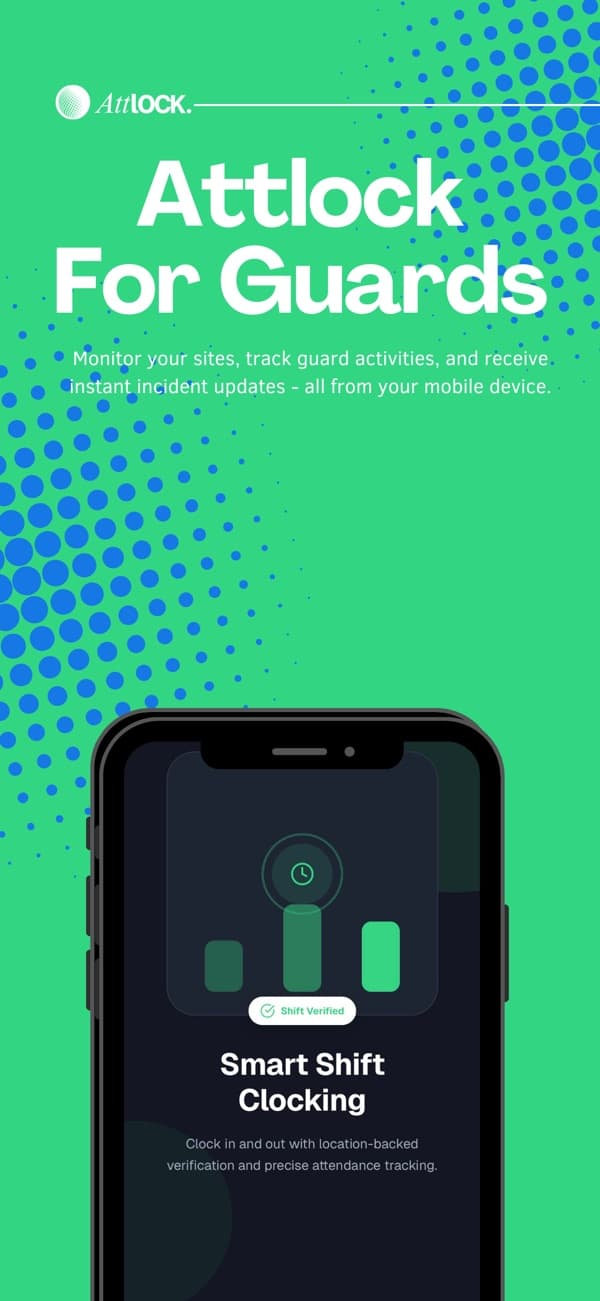
Attlock for Guard/Supervisor promotional artwork from its App Store listing

Attlock for Guard/Supervisor

Available now

Give guards and supervisors the shift, patrol, and reporting tools they need in the field.

  • Shift schedules and GPS clock-ins
  • Checkpoint scans and incident records
  • Post orders and field checklists
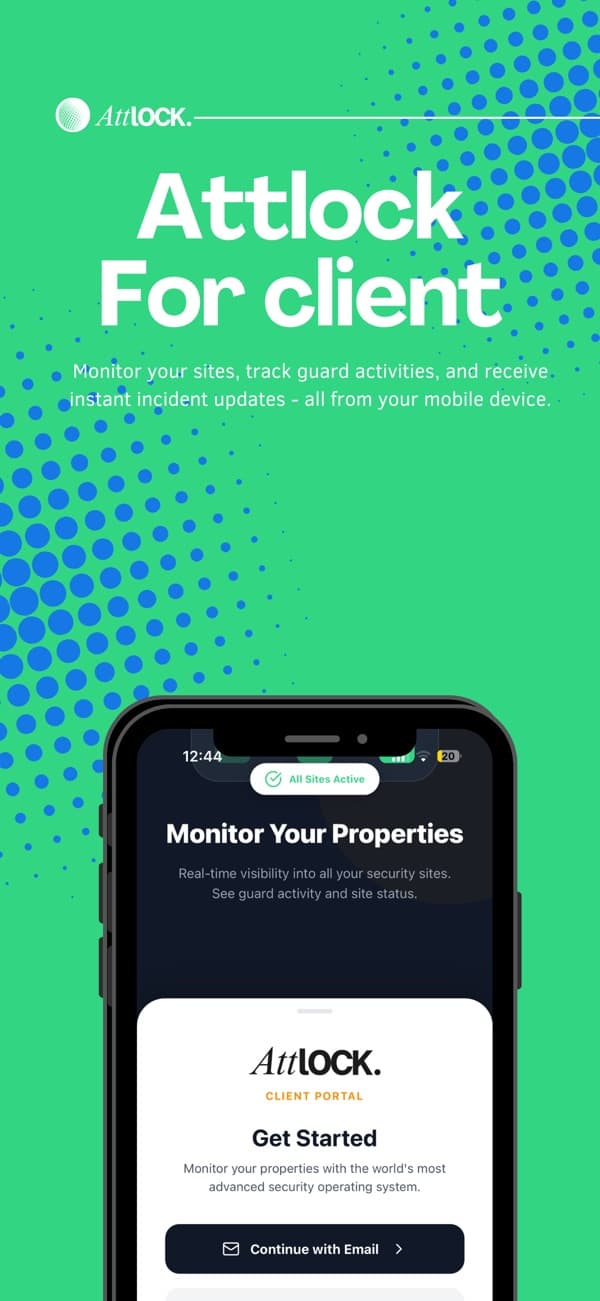
Attlock for Client promotional artwork from its App Store listing

Attlock for Client

Available now

Keep your clients connected to their sites, reviewed reports, and service requests from their phone.

  • Site and assigned-team visibility
  • Reports shared by your company
  • Service requests and site updates

Attlock for Admin

Coming soon

Planned mobile access for company oversight, team coordination, and reviewing operations away from the desk.

  • Company and site oversight
  • Team coordination on the go
  • Operational review from your phone

One dashboard. Your whole operation. Explore the tools behind every shift.

Explore the dashboard
Attlock Company tools
Company workspaceSite setup

Harbour Centre

Client, site, and team connected

  1. Site readyContacts, geofence, and checkpoints
  2. Team invitedGuard profiles, licenses, and training
  3. Instructions in placePost orders and site checklists

Ready to plan the first shift

Feature availability follows your plan and enabled modules. Compare plans for the right fit.

A clearer picture. With Attlock AI.

Planned summaries, coverage insights, and unusual-activity review, connected to your operational records. More context for your team, with people making the decisions.

  • Incident summaries
  • Coverage insights
  • Activity review
  • Performance insights
  • Compliance context
Attlock AIPlanned incident summary

Harbour Centre · INC-1042

Guard report · Photo · Site and time

A draft your team can review.

Jordan reported an unsecured loading entrance at 18:42. Photo evidence and site context are attached for the supervisor to check and decide the follow-up.

Human review required

Prices are changing soon.

Pricing

Per-site plans for every stage of your security operation.

Billing period

Save 10% with yearly billing

Yearly billing selected. Fixed plan prices updated.

Starter

For small security operations

$36CAD/site/month

14-day free trial. No credit card required.

  • 5 guards per site
  • 2 admin seats
  • 1 client portal
  • All core operations
  • Mobile apps

Professional

Recommended

For 24/7 sites and mobile patrols

$58CAD/site/month

14-day free trial. No credit card required.

  • 10 guards per site
  • 5 admin seats
  • 3 client portals
  • Command Center and Dispatch
  • Fleet and visitor operations
  • Priority email support

Enterprise

For large security companies

Enterprise pricing

Expanded enterprise options with direct sales consultation.

  • Unlimited guards
  • Unlimited client portals
  • API access
  • White-label branding
  • Custom integrations
  • Dedicated account manager
  • 24/7 priority support

Talk to Sales

For tailored multi-site rollouts

Custom

Tailored pricing and rollout terms.

  • Custom limits
  • Volume pricing
  • Data migration
  • Onboarding and training
  • Security review
  • Custom commercial terms

All fixed prices are in CAD. Taxes may apply.

Help for the people using it. From setup to the everyday shift.

Attlock Help Center

Give your team one place to find Attlock guides and product help. Use the Help Center alongside your rollout, then keep it available for everyday questions as people learn the platform.

Visit the Help Center

A few things you might be wondering.

What to know about getting started, supporting your team, and running your sites.

Talk to our team

Sites, guard schedules, attendance, patrol checkpoints, incident reports, client visibility, and back-office records. Your operations team works from the web dashboard while guards and supervisors use their dedicated mobile apps.

Run your security team in one place.

Schedule shifts, track patrols, and share reports.