

From the report. Keep the response moving.

Capture the facts, keep the evidence, coordinate review, and give the right person a clear next step—from the field to the approved client record.

Attlock ReportingAuthored record

IR-1042 · Harbour Centre

North service door unsecured

Review required
Location
North service entrance
Priority
High
Reported
19 Oct · 17:35
Evidence
2 photos · 1 note

The entrance was secured and a follow-up check was recorded. Supervisor review is required before client sharing.

Next: assigned supervisor review
Authored incident example. No report or response is submitted from this preview.

A report that carries the next decision.

  1. 1

    Record what happened

    Capture the location, time, type, description, people, actions, and supporting evidence in a structured report.

  2. 2

    Move it to review

    Route the record to the configured supervisor or review queue. Keep priority, evidence, and ownership visible.

  3. 3

    Keep the resolution

    Add the outcome and follow-up before closing, exporting, or sharing the approved record through the appropriate workflow.

One incident. The details your operation needs. Evidence and history included.

Move from the initial facts to the evidence and the follow-up without losing the operational context. Each view answers a different question about the same report.

Structured incident record

Capture site, location, time, category, priority, people, statements, actions taken, and conditional context. Templates adapt the record to the incident without making every field mandatory.

Attlock Incident recordAuthored record

Property incident · Access and security

North service door unsecured

Site and location
Harbour Centre · North service entrance
Date and time
19 October · 17:35
People and witnesses
Guard statement · One site witness
Action taken
Entrance secured · Follow-up at 17:46
Additional context
No injury reported · Maintenance notified

Configurable templates and conditional fields adapt the record to the incident—not every field is required on every report.

Authored product example. Changing views updates this page only; no incident, media upload, approval, or notification is submitted.

Control the handoff. Review before it becomes a client record.

Approve, reject, request changes, or assign a reviewer before a report becomes a client-facing record. Configurable multi-stage approval keeps internal notes and pending incidents separate from the client summary.

Incident to approved record

  1. 01

    Guard submits report

    Loading entrance unsecured · Harbour Exchange

    Ready to submit

  2. 02

    Supervisor reviews

    Inspect the details and evidence before approving.

    Review required

  3. 03

    Approved client record

    The approved record is available in the client portal.

    Waiting for approval

Run a demo to follow a report from the field to review.

Pending review and reviewer ownership

Approval, rejection, and requested changes

Approved client summary and client-ready status

Reporting for every role. Different roles. Different surfaces. One record.

Follow one incident from field capture to mobile review, web-based operational oversight, and the client-facing record. Each role gets the controls appropriate to its workflow—not a universal copy of the admin dashboard.

Guard mobile · Web capture also available

Guard reporting

Capture the incident, people, actions, and evidence from the field. Local drafts and queued report data support interrupted connectivity; media and signatures still require a connection to upload.

Attlock New report

Harbour Centre

North service door unsecured

Category
Access and security
Location
North service entrance
Action taken
Entrance secured

2 photos · Statement · Signature

Next: supervisor review

Authored role views. Capabilities differ by role and device; changing this preview performs no operational action.

Reporting on mobile and web. One record. The right surface for the role.

Capture and review incidents in the native apps, then continue the workflow on web for broader review, operational oversight, exports, and client visibility. Each surface stays appropriate to the role.

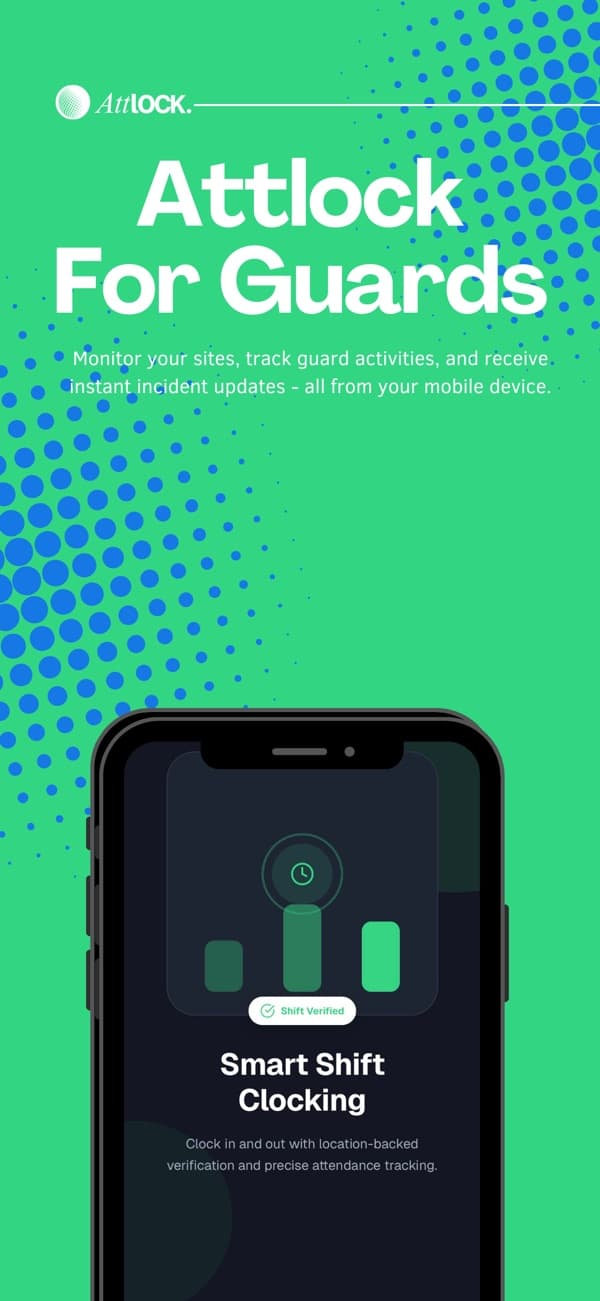
Attlock for Guard/Supervisor promotional artwork from its App Store listing

Attlock for Guard/Supervisor

Available now

Give guards a structured field-reporting workflow and supervisors a clear way to review evidence and record a decision from the same mobile app.

  • Incident capture with photos, video, and signatures
  • Local drafts and queued report data when connectivity drops
  • Supervisor evidence review and approve/reject decisions
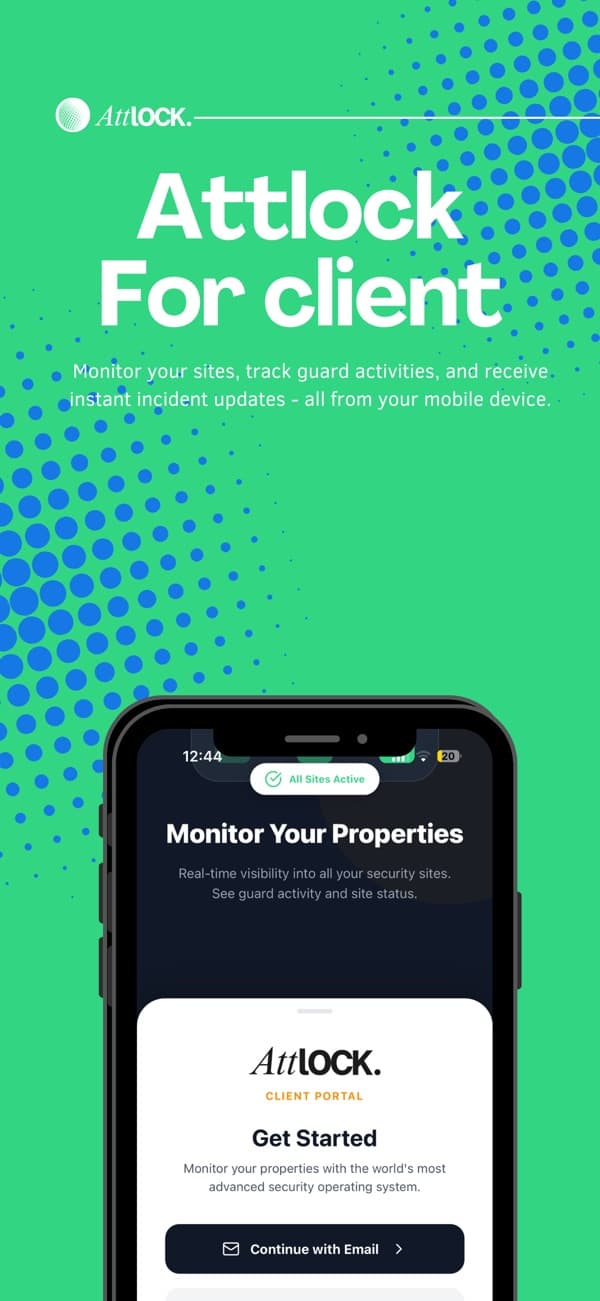
Attlock for Client promotional artwork from its App Store listing

Attlock for Client

Available now

Keep clients connected to the reports their provider shares, with approved summaries, evidence, and status context available from their phone.

  • Provider-shared reports and approved summaries
  • Photo and signature previews with status history
  • Native text sharing for the available client record

Reporting on web. More room to review and manage.

Continue the same reporting lifecycle on web, with role-appropriate capture, review, operational oversight, and client visibility. Account access and assigned permissions determine the workspace after sign-in.

Attlock Reporting webAuthored record

Role-based web access

  • Guard · Capture and submit

    Incident and activity-report drafts and submission.

  • Supervisor · Review activity reports

    Activity-report approval, requested changes, comments, and history.

  • Operations · Manage the workflow

    Reviewer ownership, follow-up, analytics, and exports.

  • Client · Read the shared record

    Provider-shared reports, evidence, configured review, and exports.

Incident review queue

Authored records

Service door unsecured

IR-1042 · Harbour Centre

Supervisor review

Loading-bay follow-up

IR-1041 · Harbour Centre

Changes requested

Patrol incident summary

IR-1038 · Harbour Centre

Approved
Review, export, and client visibility remain role and workflow dependent.

Supervisor web review shown here covers activity reports. Supervisor incident approval is available in the supervisor mobile workflow.

Open reporting web

Images are official App Store promotional artwork, not live product screens. Media uploads require connectivity. Client PDF/CSV exports and configured client review are web workflows; the Client app supports native text sharing for available records. Operations remains web-based.

Escalation and response coordination. Keep ownership and response context clear.

High-priority incidents can notify supervisors and administrators, follow configured thresholds and escalation levels, and retain escalation history. Response states can move from dispatched to en route, on scene, cleared, or cancelled where that workflow is used.

  • Configured priority rules and escalation review
  • Emergency-service assignment details and report numbers
  • Separate Command Center dispatch and live operations
Attlock Response coordinationAuthored record

High-priority incident · Escalation level 1

Supervisor notified

  1. Report received17:35
  2. Supervisor assigned17:36
  3. Response acknowledged17:41
  4. On-scene outcome recorded17:52

Emergency-service assignment record

Unit, contact, notes, and report number can be recorded where needed. Attlock does not contact police or emergency services itself.

Emergency-service assignments record the operational handoff; Attlock does not contact police or emergency services itself. Command Center and emergency-service dispatch remain separate workflows, not a claimed external CAD integration or guaranteed response time.

Export the reviewed record. Keep the reviewed record portable.

Prepare a single-report PDF for review and distribution, or export a filtered report collection as CSV. Internal and client audience variants keep the approved information appropriate to the recipient.

  • Single-report PDF preview and download
  • CSV export for filtered report collections
  • Client-side exports for available shared reports
Attlock Report exportAuthored record

PDF · Client audience

Reviewed incident record

Ready to export
Report
IR-1042 · Harbour Centre
Evidence
2 photos · 1 signature
Review
Supervisor approved · 18:05
Client summary
Approved fields only
Available record formatsPDF · CSV

Turn incident records into a clearer review. Operational trends and relevant updates.

Explore incident volume, category, priority, review status, and site or time-of-day patterns in the selected reporting scope. Relevant status, review, escalation, follow-up, and export updates keep the right people informed.

Patterns from existing records

Not predictive risk or autonomous triage.

Configured notification paths

Push, in-app, and selected email behavior vary by event.

A clear next action

Return to the report, reviewer, evidence, or follow-up.

Attlock Reporting overviewAuthored record

Selected-site incident records

19–25 October · Authored values

12

Reports

2

High priority

8

Reviewed

MonIncident records by daySun

Relevant updates

  • High-priority escalation

    Supervisor and admin notified

  • Report approved

    Client-ready status available

  • Export complete

    Reviewed PDF is ready

Notification channels vary by event and configuration. Trends describe existing records, not predictive findings.

Checklists support companion response procedures; they are not presented as automatically embedded incident steps. Panic response is a separate emergency workflow, not an incident report or emergency-service call.

Questions about Reporting.

What to know about getting started, supporting your team, and running your sites.

Talk to our team

A guard or authorized user can record the site, time, precise location, category, priority, people, witnesses, statements, actions taken, and supporting evidence. Configurable templates and conditional fields determine what applies to each report.

Keep every incident moving.

Capture the report, follow the review, and keep the handoff connected.