

Transparency that earns the next conversation. Give clients a clear view.

Bring assigned sites, connected activity, reviewed reports, and client follow-up into one experience—while your company keeps control of operations and sharing.

Attlock Client PortalClient workspace

Assigned site

Harbour Centre

Coverage connected

2

Guards on duty

6

Upcoming shifts

4

Shared reports

Service door secured

Reviewed report · Evidence attached

  1. 17:42

    North checkpoint scanned

    Jordan L.

  2. 17:35

    Service-door report submitted

    Sam R.

Authored client-site overview. Records stay local to this preview.

A client view with the right boundaries.

  1. 1

    Set the scope

    Choose the client relationship, assigned sites, records, and actions that belong in the shared experience.

  2. 2

    Share with context

    Review operational reports and documents before they become client-facing records. Live activity follows connected-device and sharing settings.

  3. 3

    Move the relationship forward

    Keep coverage, evidence, service requests, visitors, and feedback connected while operational decisions remain with the provider.

One site. The coverage, activity, and record. In context.

Move from what is happening now to upcoming coverage and the reviewed report—without making clients interpret an internal operations dashboard.

Live site view

See connected guard locations, geofence context, and recent clock-in, checkpoint, and incident activity. Device connectivity and provider settings shape what is current.

Attlock Live site viewClient workspace

Harbour Centre

Two guards sharing current locations

2 on duty
Sam R.
Jordan L.
Site schematic · not a GPS trace

Recent site activity

  1. 17:42

    North checkpoint scanned

    Jordan L.

  2. 17:35

    Service-door report submitted

    Sam R.

  3. 17:00

    Evening shift clock-in

    Jordan L.

Locations depend on connected devices and provider sharing settings.

Authored product example. Changing views updates this page only; no operational action, request, approval, download, or notification is submitted.

Evidence clients can understand. A review they can follow.

Photos, signatures, timestamps, follow-up, and supervisor review stay attached to the report. Web workflows support CSV and PDF exports; configured client review can record an approval or a rejection with a reason.

  • Incident, patrol, and daily-activity records
  • Evidence and status history in the same record
  • Provider-controlled sharing and configured client review
Attlock Report recordClient workspace

REP-1043 · Harbour Centre

North service door secured

Approved for sharing

The guard recorded an unsecured entrance, secured the door, and completed a follow-up check. The supervisor reviewed the record before client sharing.

Photo evidence

service-door-1735.jpg

Supervisor review

Casey Morgan · 18:05

  1. Report submitted with evidence

    17:35

  2. Follow-up check recorded

    17:46

  3. Reviewed and shared with the client

    18:05

Web export formatsCSV · PDF

More than visibility. A clear next step.

Clients can act through the workflows their provider supports, without receiving control of the guard schedule, emergency response, or internal operations.

Service requests

Request extra guards, schedule changes, equipment, incident follow-up, or another site requirement. Priority and status stay visible while the provider confirms the service.

Attlock Service requestsClient workspace

Requests and follow-up

Site, priority, notes, and status together

Extra loading-bay cover

Friday · 18:00–23:00

Provider review

Evening schedule change

Harbour Centre

Confirmed

Replacement equipment

Westgate Plaza

In progress

A request is not a confirmed booking or an emergency-dispatch channel.

Authored product example. Changing views updates this page only; no operational action, request, approval, download, or notification is submitted.

The documents behind the site. The updates behind the work.

Give clients a reliable place for provider-shared documents, report evidence, notification history, and exports derived from their available records.

Attlock Site documentsClient workspace

Harbour Centre library

Documents shared by the security provider

Evening post orders

PDF · 1.2 MB

Emergency contacts

PDF · 240 KB

Loading-bay site plan

PDF · 2.8 MB

Clients search, preview, and download shared records. Document uploads remain provider-controlled.

Attlock Service overviewClient workspace

Selected-site records

19–25 October · Authored activity values

18

Shifts

142 h

Scheduled

4

Reports

Daily shared-report counts: Monday one, Tuesday two, Wednesday one, Thursday three, Friday two, Saturday two, Sunday three.

MonReports shared by daySun

Updates

  • Report shared

    Service-door record · 18:05

  • Schedule updated

    Friday coverage · 16:20

  • Request confirmed

    Loading-bay cover · 14:10

Web exports and compliance summaries help teams review their own records without performance promises.

Web report workflows support CSV and PDF exports. Document downloads and available analytics or compliance exports follow the client view and provider-shared data—not a universal portfolio metric.

Open enough to be useful. Controlled where it matters.

Provider-controlled sharing

Assigned sites and shared records stay within the client relationship. Internal notes and pending incidents do not automatically become client records.

Decisions remain explicit

Client review is available where configured. A request, rating, or visitor pre-registration does not silently become a booking, approval, or access grant.

Connectivity stays honest

Current locations and activity depend on connected devices. Recorded timestamps and provider follow-up help clients understand what the view does—and does not—establish.

The client portal. With you, wherever you work.

Available on web, iOS, and Android

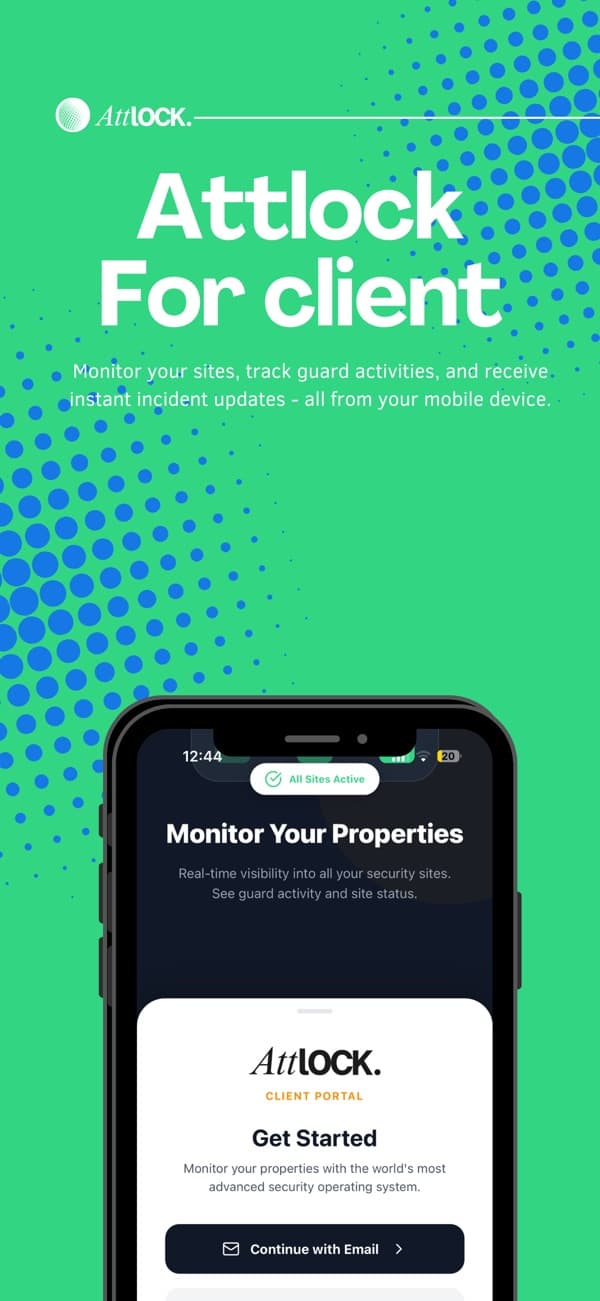
Attlock for Client brings assigned sites, shared reports, schedules, requests, visitor access, and notification history to iOS and Android through the account connected by the provider.

  • Site and assigned-team visibility
  • Reviewed reports and evidence
  • Requests, visitors, and service updates
Attlock for Client promotional artwork from its App Store listing

Open the portal. Find the help you need.

Client access on the web

Sign in with the account connected by your security provider. Ask your provider about invitations, missing site access, or a report that has not been shared.

Open client web

Attlock Help Center

Find Attlock guides and product help when you need a walkthrough. Contact your security provider for account invitations, site access, or questions about the service at your property.

Visit the Help Center

Attlock Growth · Contract research workspace

A clearer client experience. A more deliberate next contract.

Attlock Growth helps security companies research contract-fit prospects, keep supporting evidence organized, and prepare outreach drafts for human review. It is a separate workspace—not a feed of Client Portal records.

  • Research with evidence

    Assess the opportunity and its fit.

  • Review before a handoff

    Keep drafts and approval with your team.

  • Delivery remains a future step

    Automatic outreach sending is coming soon.

Explore Attlock Growth
Attlock GrowthResearch workspace

Authored prospect example

Multi-site contract opportunity

  1. Company context

    Territory, service needs, and capacity added to the example.

  2. Supporting evidence

    Source notes stay attached to the research.

  3. Draft for human review

    A person reviews the draft. No automatic send.

Review stays with your team. Client and operational records stay separate.

Questions about Client Portal.

What to know about getting started, supporting your team, and running your sites.

Talk to our team

Clients can see the assigned sites, connected activity, schedules, reviewed reports, documents, and updates their security provider makes available. They cannot browse unrelated company or client records.

Give clients the right view.

Share site coverage, reports, and updates with the access your company controls.