




Client access on the web
Sign in with the account connected by your security provider. Ask your provider about invitations, missing site access, or a report that has not been shared.
Open client webTurn reviewed fieldwork into a clear client experience: useful reports, assigned-site visibility, service requests, shared documents, and updates on web and mobile.
Provider-controlled sharing keeps the right records with the right client—without exposing the internal operations workspace.
Supervisors review the narrative, evidence, and follow-up before the provider shares the report.
Clients find the reports, activity, and site documents their provider makes available.
Service terms and bill items give the back office a clear draft to review before delivery.
Give clients a clear view of assigned-site activity and the provider's document library without exposing the internal operations workspace.
Assigned site
2
Guards on duty
6
Upcoming shifts
4
Shared reports
Service door secured
Reviewed report · Evidence attached
North checkpoint scanned
Jordan L.
Service-door report submitted
Sam R.
Harbour Centre library
Documents shared by the security provider
Evening post orders
PDF · 1.2 MB
Emergency contacts
PDF · 240 KB
Loading-bay site plan
PDF · 2.8 MB
Clients search, preview, and download shared records. Document uploads remain provider-controlled.
Assigned-site visibility
Provider-controlled sharing
Reviewed evidence and documents
Let clients request what they need, manage expected visitors, and share service feedback while operational decisions remain with the security provider.
Request extra coverage, schedule changes, equipment, incident follow-up, or another site requirement. Keep priority and status visible while the provider reviews and confirms the service.
Requests and follow-up
Site, priority, notes, and status together
Extra loading-bay cover
Friday · 18:00–23:00
Evening schedule change
Harbour Centre
Replacement equipment
Westgate Plaza
A request is not a confirmed booking or an emergency-dispatch channel.
Authored client actions. Changing this preview sends no request, visitor record, rating, or notification.
Show upcoming assignments, service updates, and selected-site reporting in a consistent view. Notification channels and available exports depend on the client workflow and shared records.
Upcoming coverage
19–23 October · All assigned sites
Harbour Centre
Sam R. · 17:00–23:00
Westgate Plaza
Jordan L. · 18:00–00:00
Harbour Centre
Alex M. · 23:00–07:00
Clients review assigned coverage; schedule changes stay with the provider.
Selected-site records
19–25 October · Authored activity values
18
Shifts
142 h
Scheduled
4
Reports
Daily shared-report counts: Monday one, Tuesday two, Wednesday one, Thursday three, Friday two, Saturday two, Sunday three.
Updates
Report shared
Service-door record · 18:05
Schedule updated
Friday coverage · 16:20
Request confirmed
Loading-bay cover · 14:10
Web exports and compliance summaries help teams review their own records without performance promises.
Available on web, iOS, and Android
Clients can follow assigned sites, read provider-shared reports, review evidence, and keep service requests close at hand through the account their security provider connects.
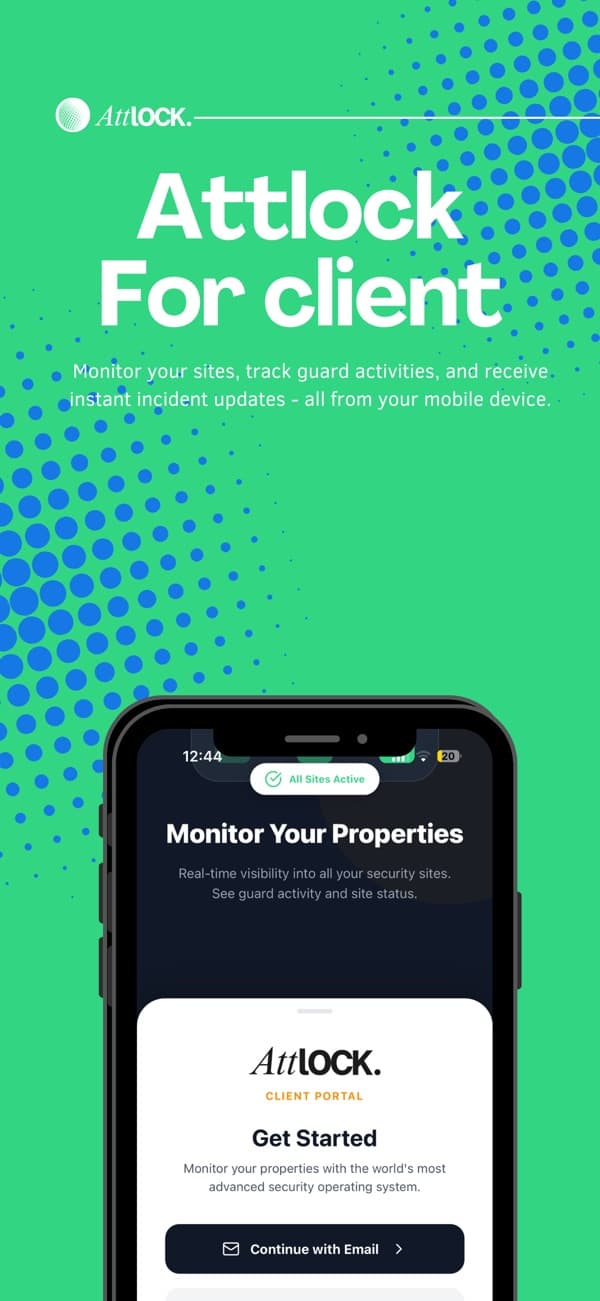
Sign in with the account connected by your security provider. Ask your provider about invitations, missing site access, or a report that has not been shared.
Open client webFind Attlock guides and product help when you need a walkthrough. Contact your security provider for account invitations, site access, or questions about the service at your property.
Visit the Help CenterAdapt the Billing product's service lines and quantities into a readable draft. Contract terms and bill items support your billing workflow; this example does not send invoices or collect payment.
Harbour Properties · October service period
Amounts demonstrate bill-item composition only. Taxes, approval, delivery, and payment are not processed here.
What to know about getting started, supporting your team, and running your sites.
Talk to our teamThe provider controls which records are ready for client access. A reviewed report can include its narrative, evidence, timestamps, and supervisor review without exposing the internal operations queue.
Schedule shifts, track patrols, and share reports.